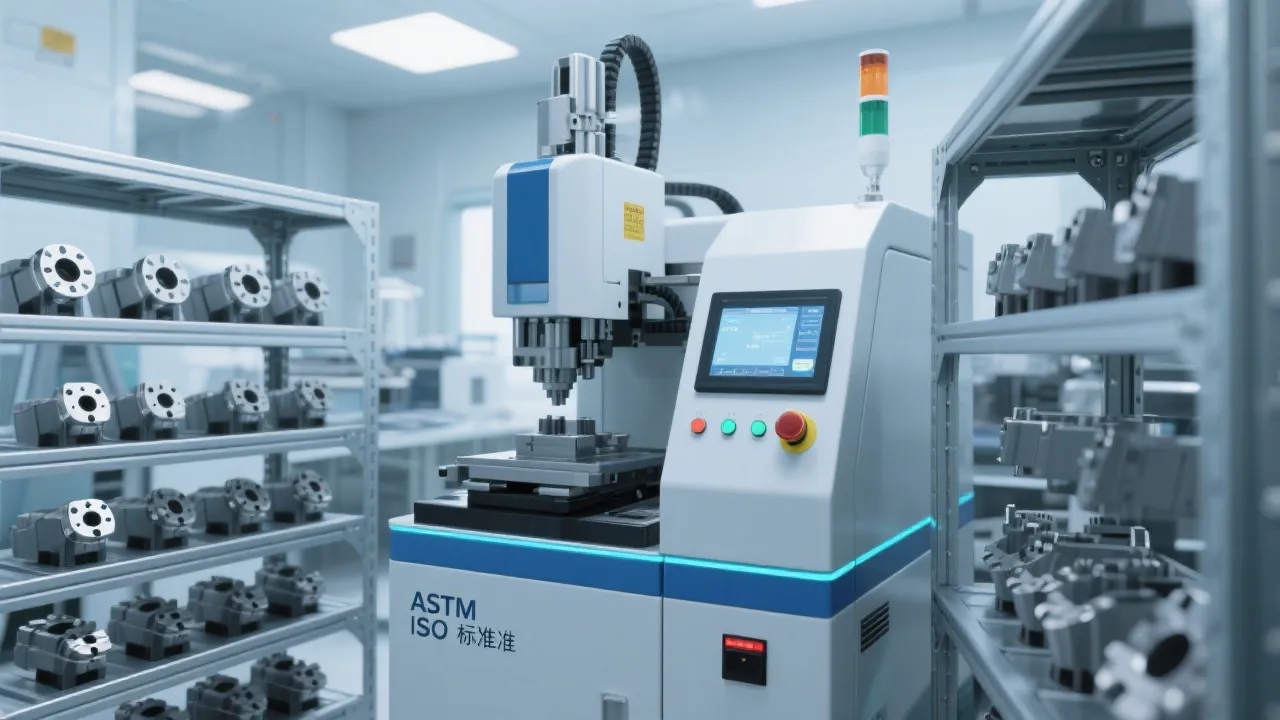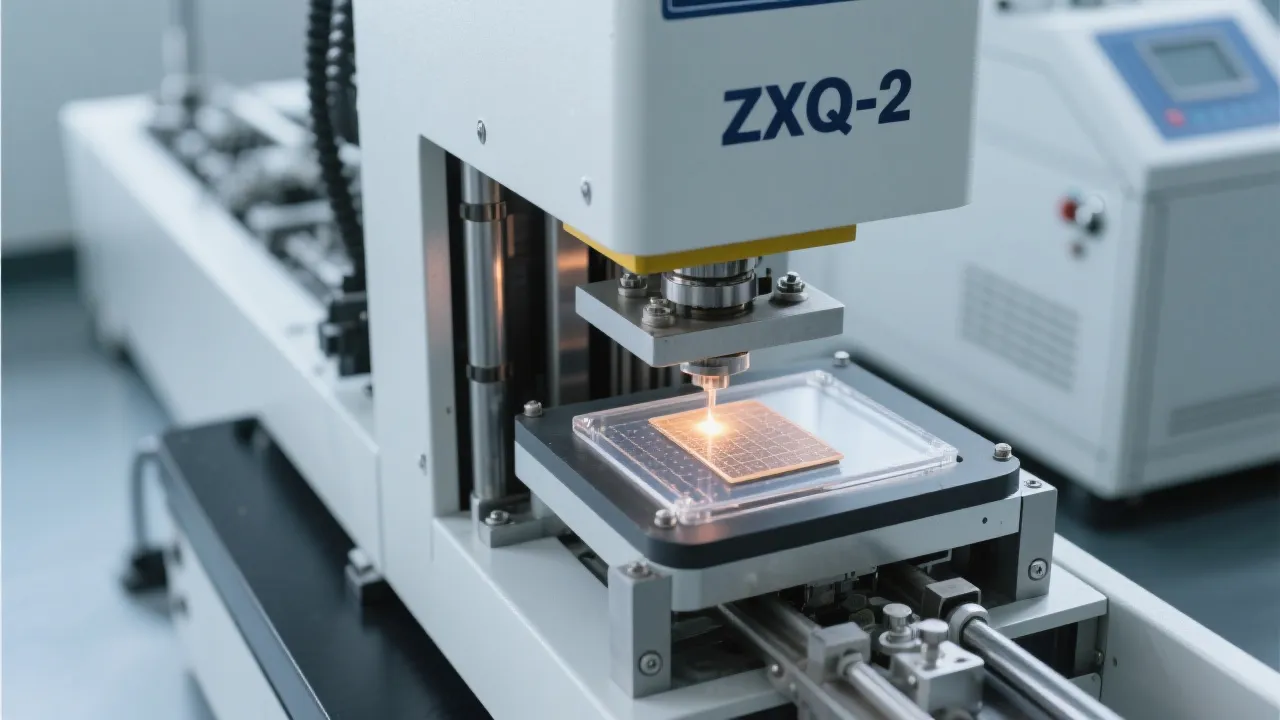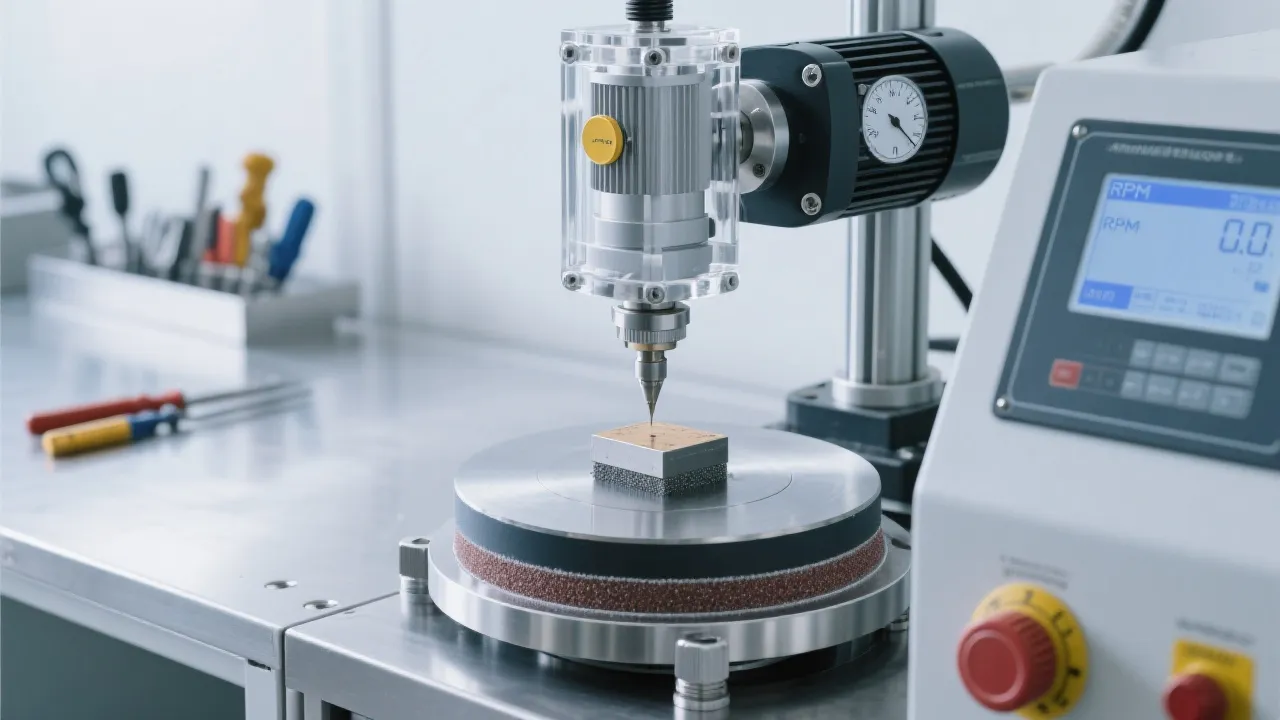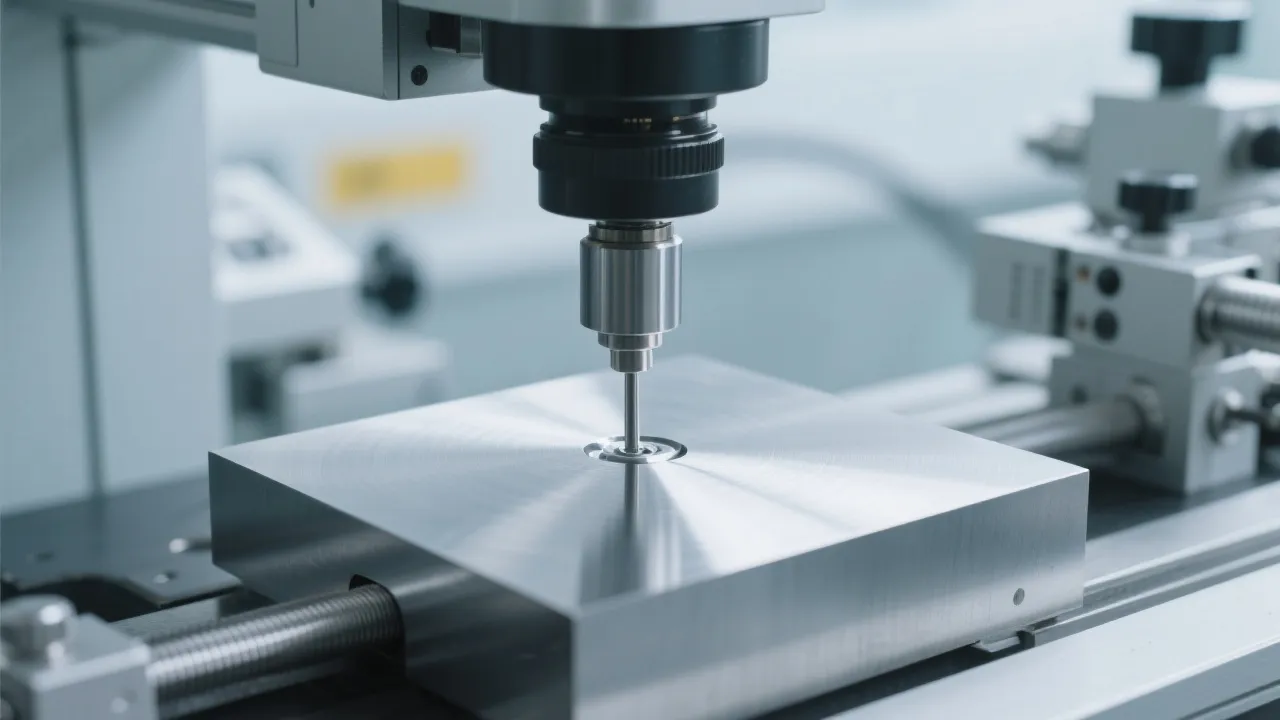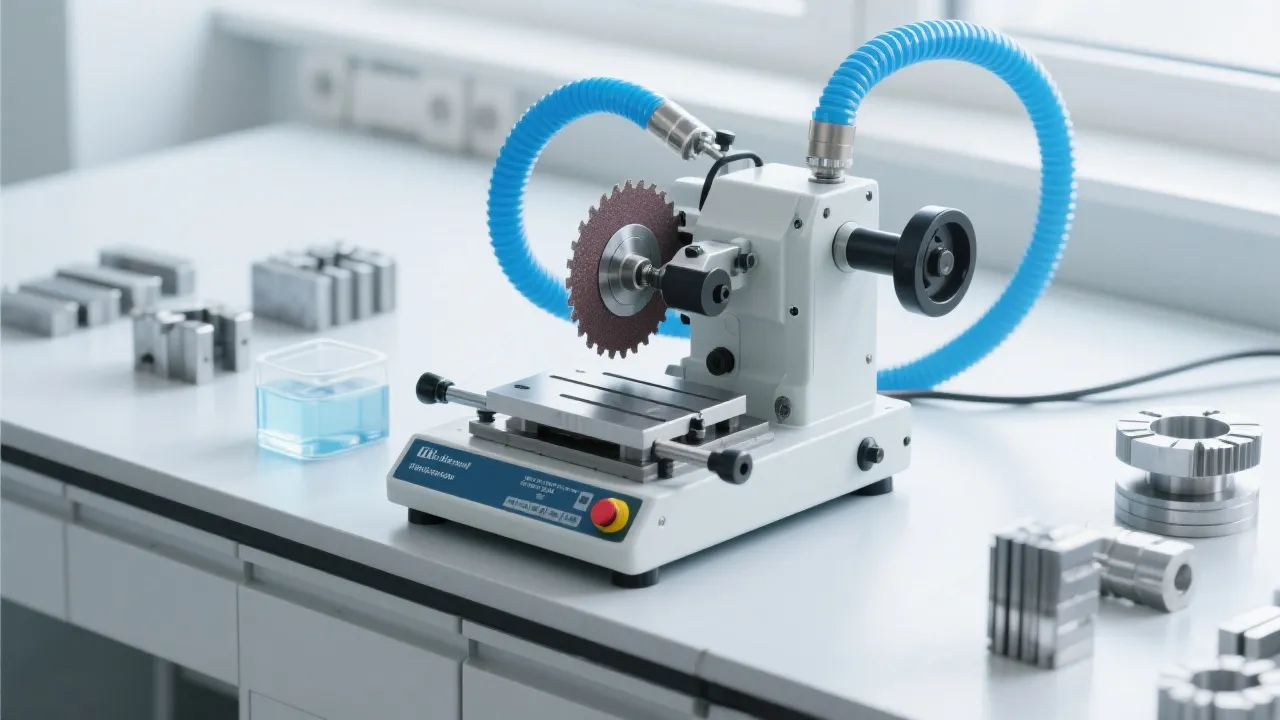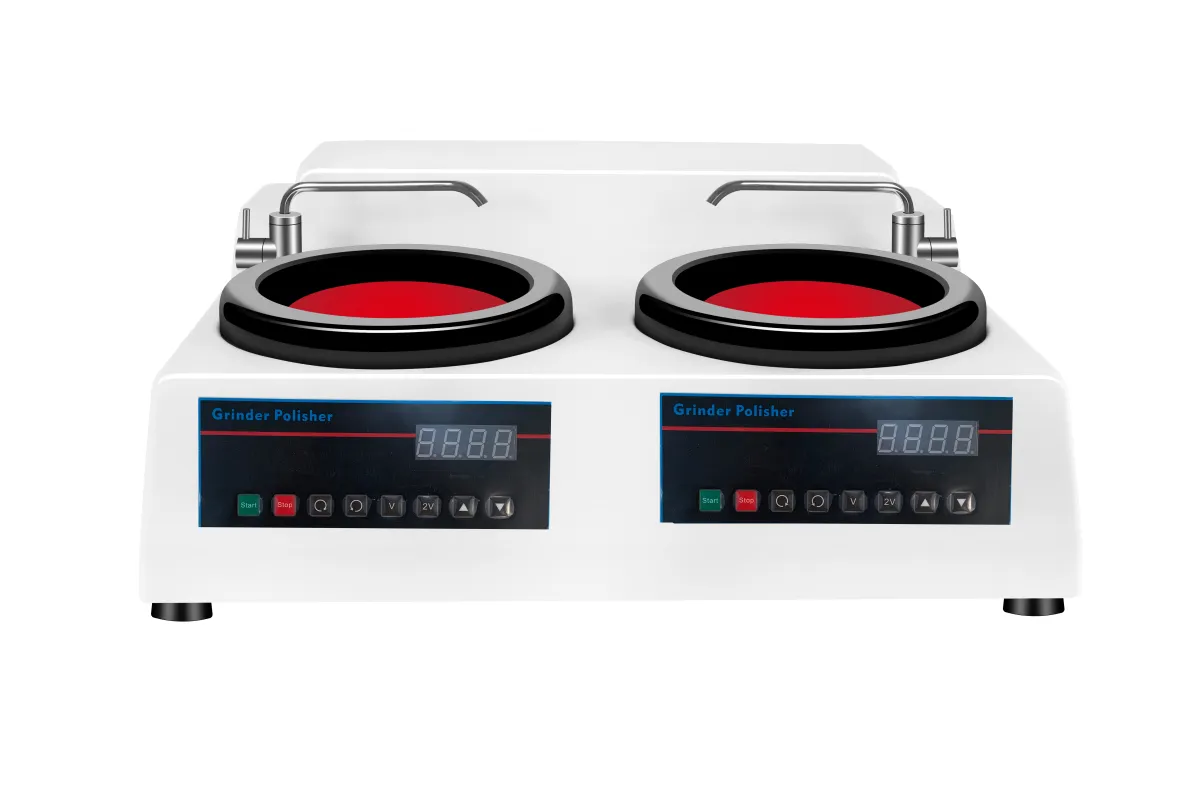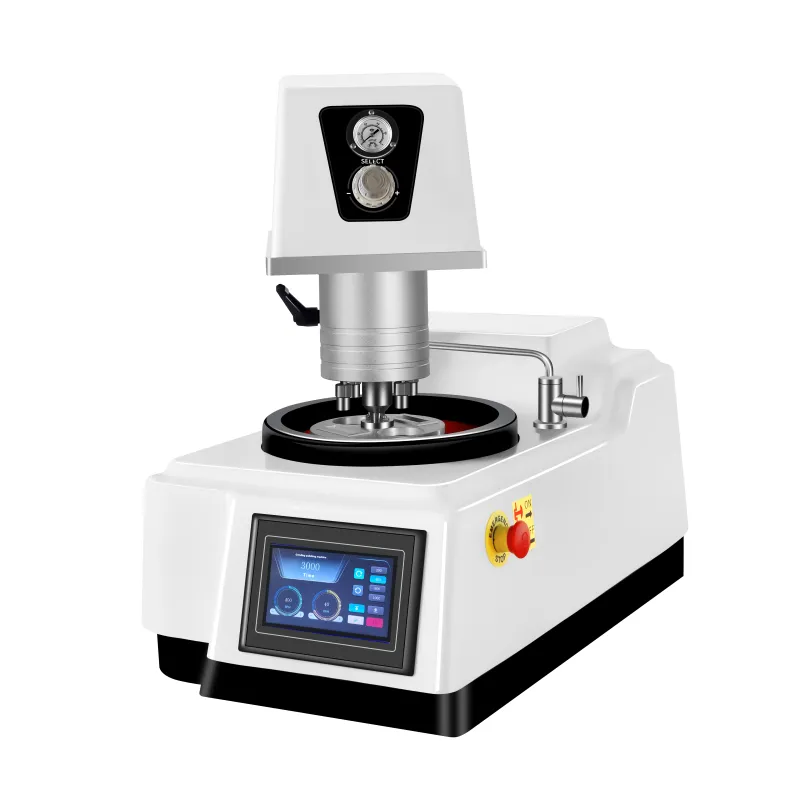
As a user of the metallographic sample grinding and polishing equipment, you understand the importance of keeping your machine in top - notch condition. Maintaining the LMP - 3 metallographic grinder - polisher is crucial for ensuring stable sample preparation quality and extending the equipment's lifespan. This guide will provide you with a comprehensive maintenance checklist and quick troubleshooting methods.
Regular maintenance of your metallographic grinder - polisher can significantly improve the consistency and professionalism of the grinding and polishing process. It reduces downtime, which is essential for both small - scale laboratories and large - scale quality control departments. By properly maintaining your equipment, you can save up to 30% on potential repair costs over the equipment's lifespan.
On a daily basis, you should clean the work surface of the grinder - polisher to prevent the accumulation of abrasive particles. Check the fixture for any signs of looseness. Also, examine the LCD interface for any error messages. This simple routine takes about 10 - 15 minutes but can prevent many potential problems.
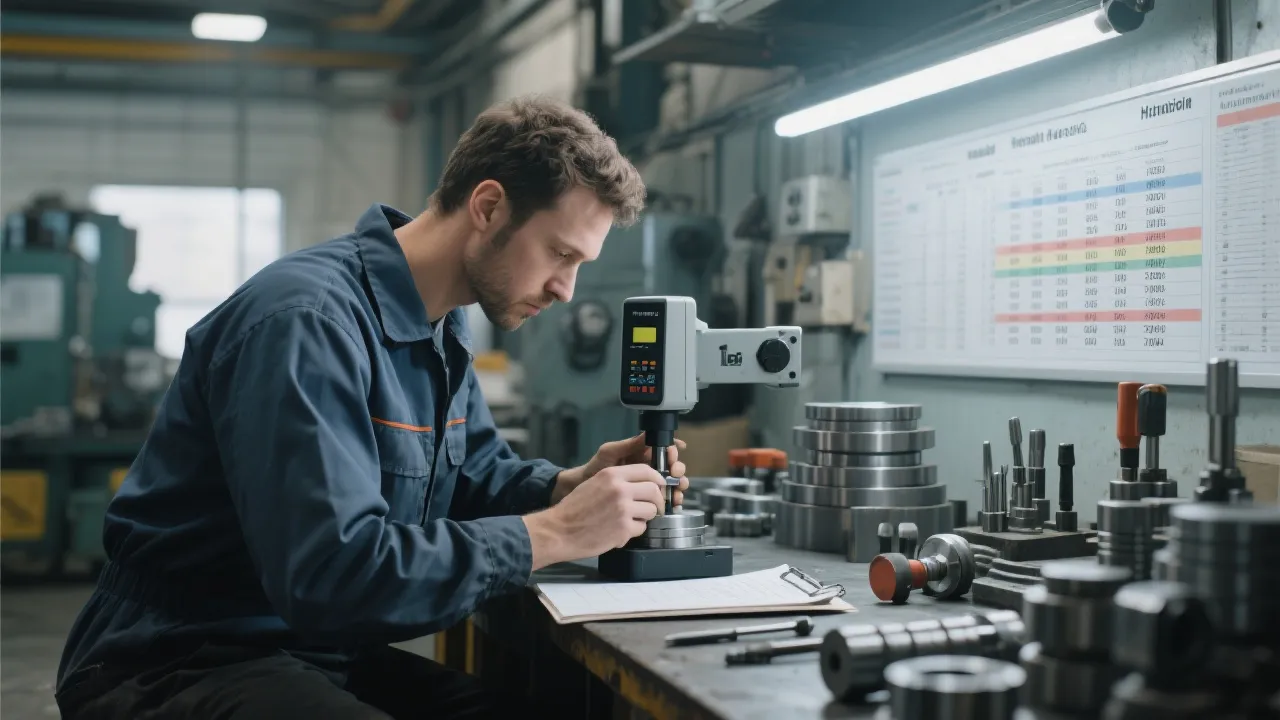
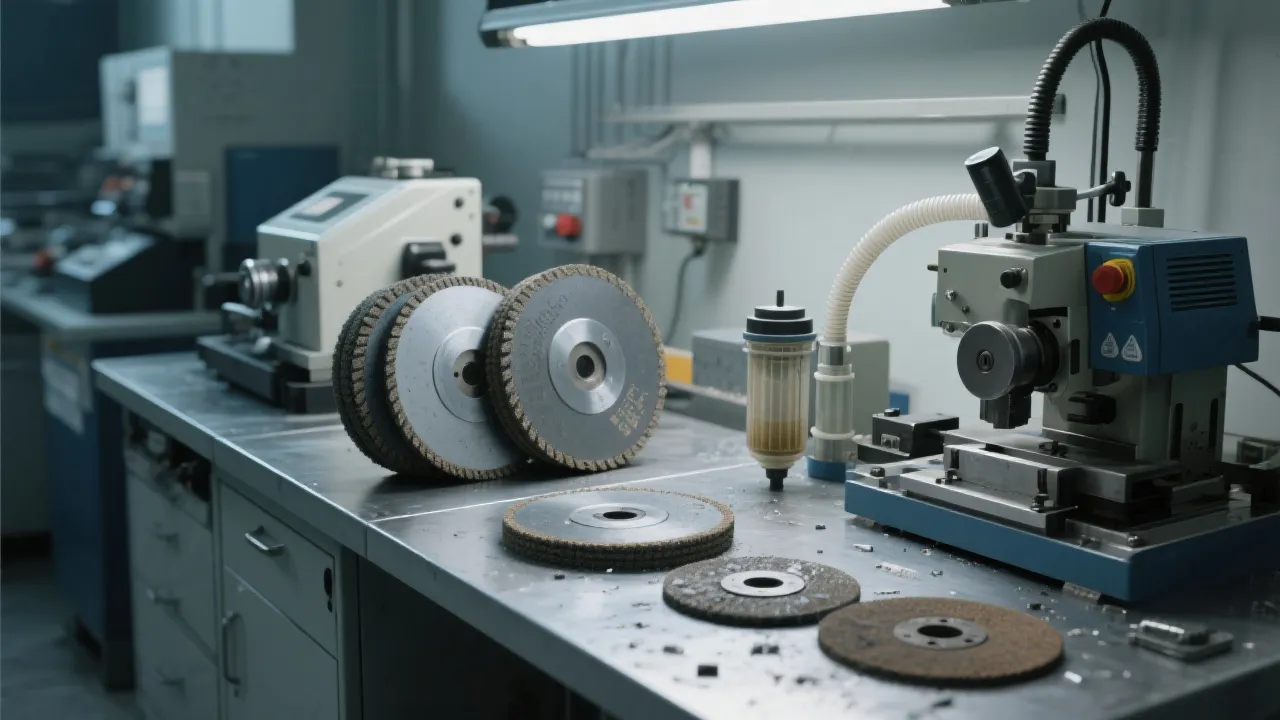
Once a week, perform a more in - depth check. Inspect the motor and belt for wear and tear. Replace any worn - out consumables such as grinding discs and polishing pads. A weekly maintenance session may take around 30 - 45 minutes.
Monthly maintenance involves a thorough cleaning of the internal components. Lubricate moving parts according to the manufacturer's instructions. Check the electrical connections for any signs of damage. This comprehensive maintenance can take 1 - 2 hours but is vital for long - term equipment performance.
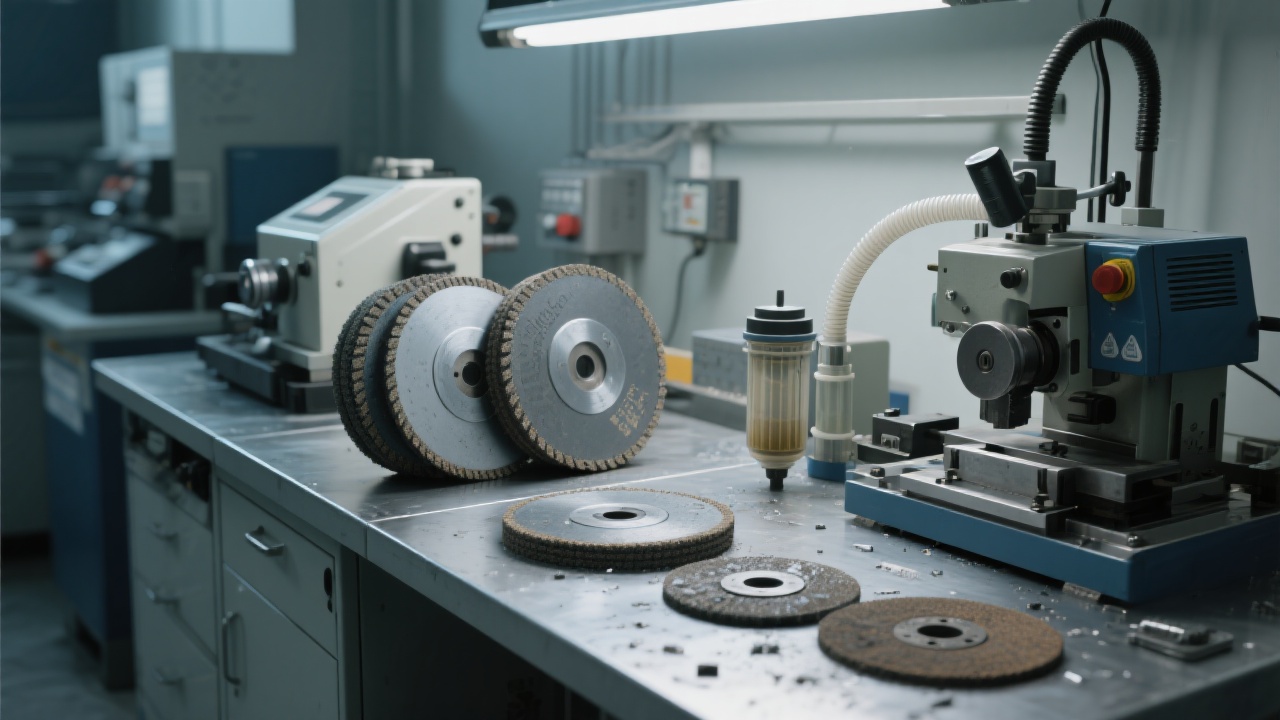
Common faults include abnormal noises, speed irregularities, and fixture looseness. If you hear abnormal noises, first check for any foreign objects in the grinding area. For speed irregularities, examine the motor and control system. When dealing with a loose fixture, tighten the relevant bolts immediately. By following these steps, you can quickly identify and resolve most common issues.
In batch sample preparation, sudden problems can disrupt the workflow. For example, if the grinder - polisher stops working during a large - scale project, first refer to the quick troubleshooting guide. If the problem persists, contact the manufacturer's technical support team. Having a contingency plan in place can minimize the impact on your project schedule.
**Standard Specification Hint**: When performing maintenance, it is recommended to follow the ASTM and ISO standards to ensure the accuracy and reliability of your sample preparation. These standards provide detailed guidelines on equipment operation and maintenance.
To save energy, turn off the equipment when not in use. You can also optimize the grinding and polishing parameters to reduce power consumption. Designing a standardized workflow can improve efficiency and reduce errors. For example, create a checklist for each step of the sample preparation process.
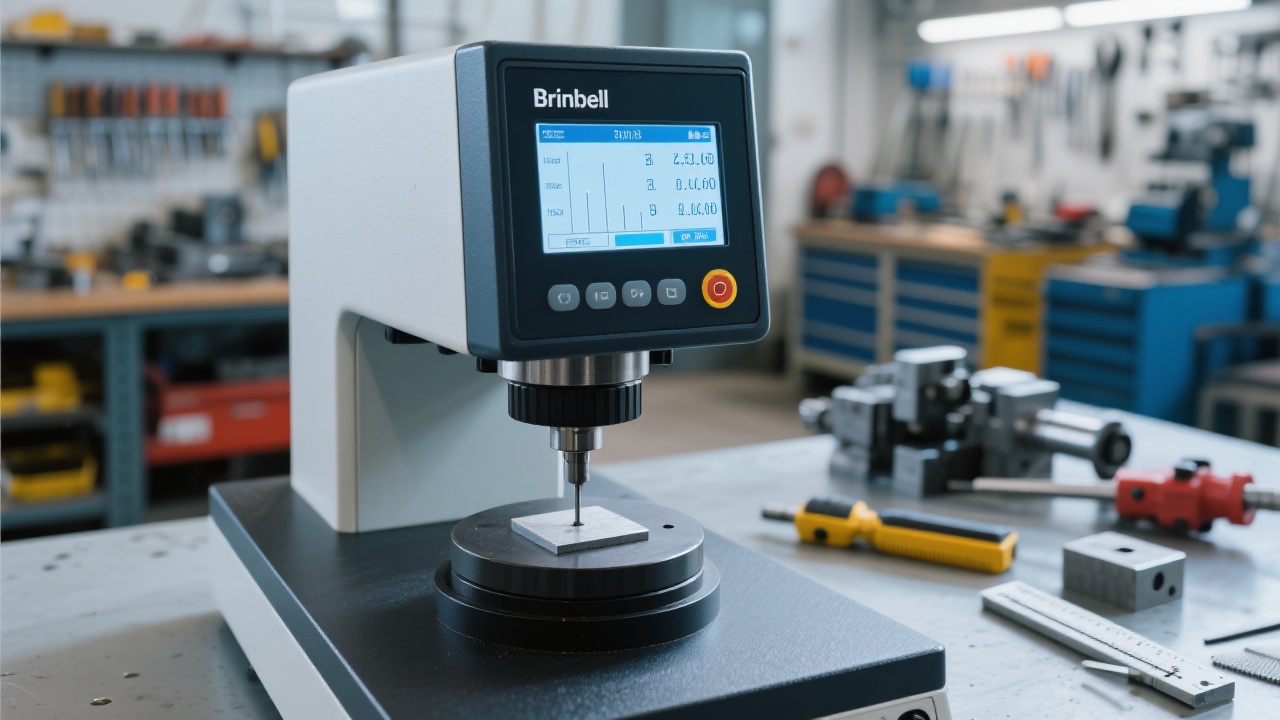
Always follow safety regulations when operating the grinder - polisher. Wear appropriate protective equipment such as gloves and goggles. Regularly train users to enhance their self - diagnosis ability. This can help them quickly identify and solve minor problems without waiting for external support.
| Maintenance Cycle | Tasks | Estimated Time |
|---|---|---|
| Daily | Clean work surface, check fixture, examine LCD interface | 10 - 15 minutes |
| Weekly | Inspect motor and belt, replace consumables | 30 - 45 minutes |
| Monthly | Thoroughly clean internal components, lubricate moving parts, check electrical connections | 1 - 2 hours |
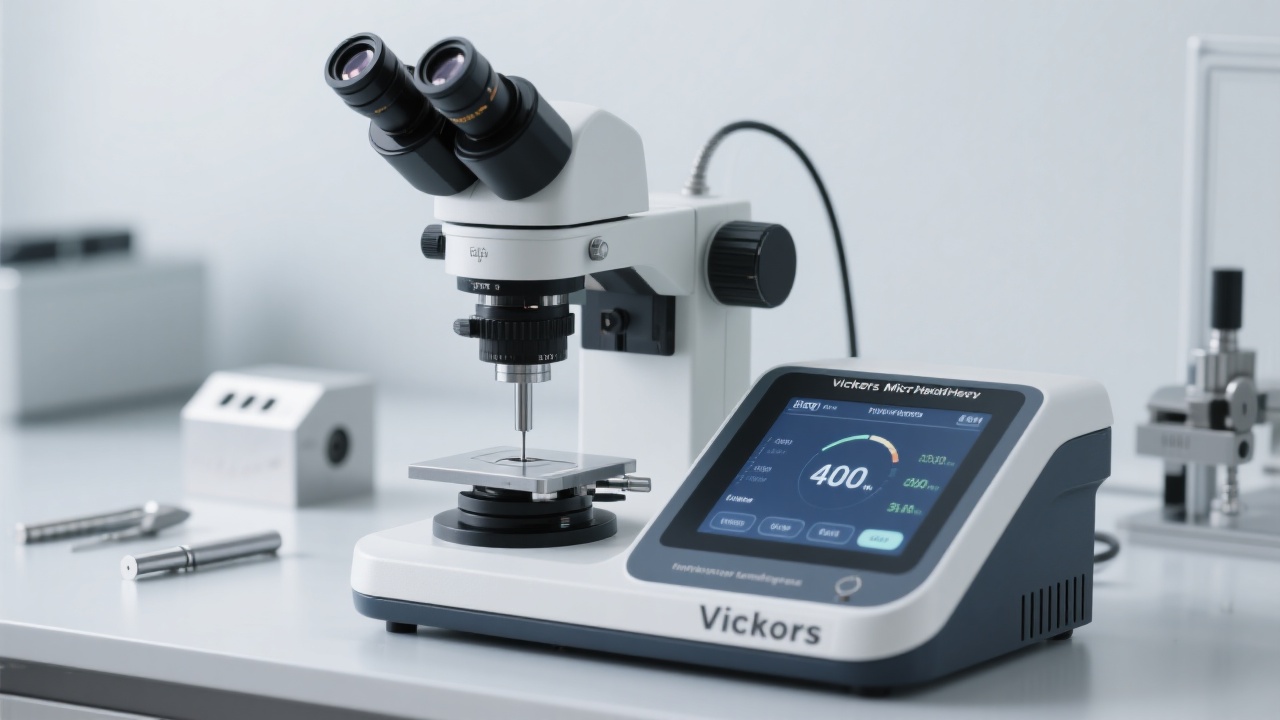
If you have any questions about the maintenance of the LMP - 3 metallographic grinder - polisher, please leave a message below. We are here to help you!
 Brinell hardness testing
GB/T 231.2
ISO 6506
Metal material hardness testing
Hardness tester standard differences
metallographic equipment maintenance
grinding and polishing machine care
laboratory metallography troubleshooting
corrosion protection for lab equipment
metal sample preparation equipment
automatic hot mounting machine maintenance
mold cleaning frequency
temperature sensor calibration
water cooling system descaling
equipment performance testing
tear strength testing
incorrect clamping
textile mechanical properties
ASTM D1424
ISO 13934-1
metallographic polishing machine maintenance
grinding disc for MP-160E
polishing cloth for metallography
sample preparation accuracy
lab equipment longevity
Brinell hardness testing
GB/T 231.2
ISO 6506
Metal material hardness testing
Hardness tester standard differences
metallographic equipment maintenance
grinding and polishing machine care
laboratory metallography troubleshooting
corrosion protection for lab equipment
metal sample preparation equipment
automatic hot mounting machine maintenance
mold cleaning frequency
temperature sensor calibration
water cooling system descaling
equipment performance testing
tear strength testing
incorrect clamping
textile mechanical properties
ASTM D1424
ISO 13934-1
metallographic polishing machine maintenance
grinding disc for MP-160E
polishing cloth for metallography
sample preparation accuracy
lab equipment longevity